
Getting a reliable referral to a social security disability attorney without delays or uncertainty remains difficult. Many sites require scheduled intake calls, hide eligibility results, or limit geographic coverage with unclear service boundaries. This list outlines pricing, assessment workflow, and referral follow-up across four legal platforms so attorneys or claimants can match a service to their process needs.
Table of Contents
SSDILawyer
At a Glance
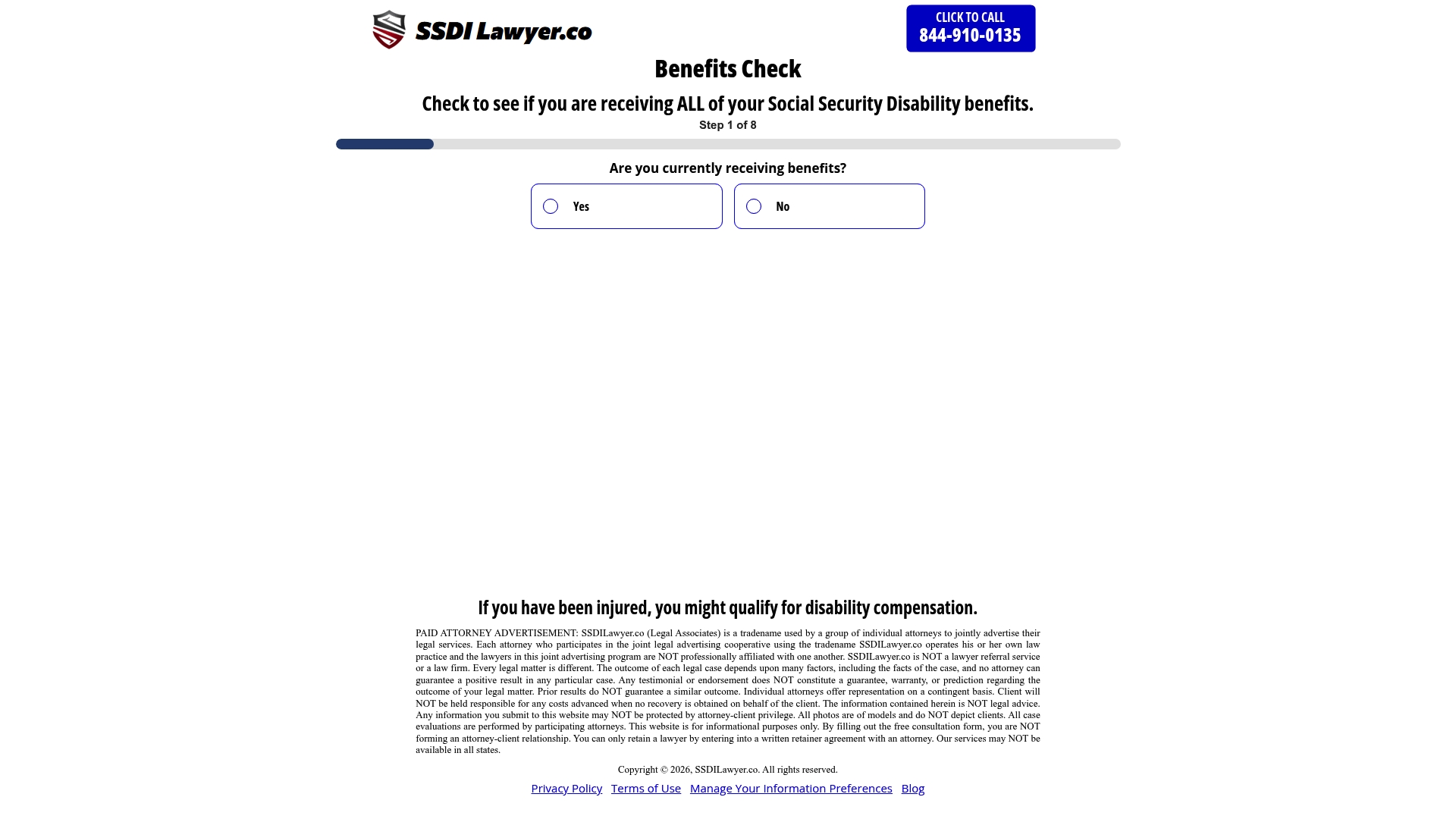
Immediate feedback indicating qualification status follows the online questionnaire. The site returns a clear yes or no on likely eligibility after users complete the guided questions. The public site shows limited detail about geographic coverage and has reported 404 errors that may affect content access.
Core Features
SSDILawyer centers on a online eligibility assessment questionnaire that guides people through medical and work history questions. The service accepts secure submission of personal and medical information and offers referral to disability specialists for follow-up consultations. The workflow ends with immediate feedback and simple, stepwise instructions tailored to the user responses.
Key Differentiator
The main distinction is the quick assessment plus direct referral path from a single online interaction. Most similar marketplaces require scheduled intake calls or long forms. SSDILawyer reduces that friction by combining eligibility screening, feedback, and specialist contact in one guided flow.
Pros
The interface is easy to use and keeps the screening process short, which helps people who find paperwork daunting. Tailored feedback gives a clear next step after submission, whether that is referral or guidance on alternate resources. The referral mechanism helps connect prospective claimants to legal or medical specialists without searching independently. Access from any internet connection makes the service useful for those in remote areas or with mobility limits.
Cons
- Publicly available information about the scope of legal services and the qualifications of affiliated practitioners is limited, which makes it harder to verify who will handle a referred case.
Who It's For
People who want a private, online way to check SSDI eligibility before committing to an application qualify as the ideal audience. This includes individuals with a recent injury, those deciding whether to appeal a denial, and people who prefer a guided digital intake to an in-person visit. The product suits those who need a quick screening and a referral rather than full case management.
Unique Value Proposition
Immediate eligibility feedback combined with an integrated referral reduces the steps between first assessment and specialist contact. That shortens the time a person spends deciding whether to pursue an application. For someone unsure about eligibility, the workflow turns an uncertain process into a clear next action with a potential legal touchpoint.
Real World Use Case
A person with a new disabling condition completes the questionnaire from home and submits medical details. They get instant feedback indicating likely qualification and receive instructions on how a specialist will follow up. The referral arrives as a contact from a disability professional who can review records and discuss filing options.
Pricing
Pricing information is not publicly listed on the site. The platform states potential consultation fees may apply, and specific costs appear to require direct contact with referred specialists. Prospective clients should plan for variable consultation charges depending on the practitioner.
Website: https://ssdilawyer.co
Atticus
At a Glance
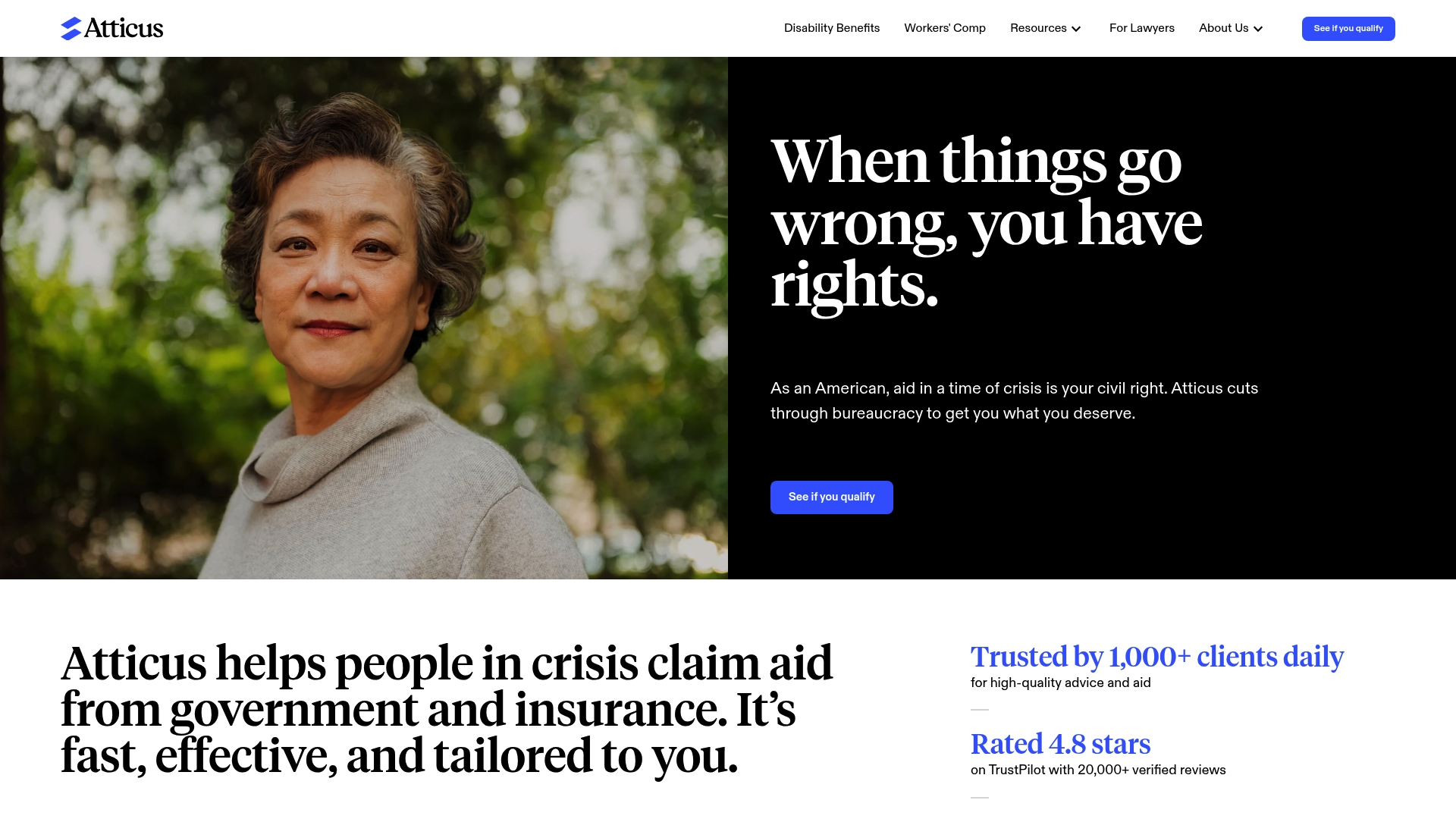
Lawyers accept cases on a contingency basis with fees capped at 25% of the award. The service offers free initial assessments through an online quiz and matches people to lawyers across the United States. The platform focuses on disability benefits and workers compensation claims.
Core Features
Atticus provides a quick online quiz that yields a free legal assessment and connects clients with qualified lawyers who handle appeals and claims. The platform offers personalized guidance through advocates and supports communication by call, text, and chat. Legal representation proceeds on a contingency fee model so clients face no upfront legal costs.
Key Differentiator
Atticus pairs free initial legal advice with contingency-based representation, reducing financial barriers for clients who need help with benefit claims. The model routes people from assessment to lawyer match without requiring payment until a successful outcome. That flow suits people with limited funds who still need legal advocacy.
Pros
The platform centers on free legal advice, which lowers the barrier to getting a professional opinion. Atticus reports a 4.8-star rating on TrustPilot, reflecting a high level of client satisfaction in vendor materials. Staff lawyers include people trained at Stanford and large firms, and the service keeps clients informed with regular updates and multiple communication channels.
Cons
- Limited practice areas: focus on disability benefits and workers compensation only. This excludes family law, criminal defense, and other common needs.
- Service availability limited to the United States. People outside the US cannot use the platform.
- Outcome dependent on client eligibility and case merits, so not all assessments lead to representation.
- Lawyers operate on contingency, which means a percentage of any award is taken as a fee and may affect net recovery.
When It May Not Fit
If you need legal help outside benefit or insurance claims this is the wrong place. If you live outside the United States you cannot access matched representation. If you want hourly billing or retainers rather than contingency fees you should look elsewhere.
Who It's For
People in the United States who need help applying for or appealing disability or workers compensation claims. Those who lack funds for upfront legal fees and prefer paying only after a successful result will find the model appropriate. Clients who value clear guidance from intake to representation will benefit most from this service.
Real World Use Case
A person denied Social Security disability completes the online quiz and receives a free assessment. An Atticus advocate explains options and pairs the person with a lawyer experienced in SSA appeals. The lawyer handles the appeal on contingency and provides regular status updates until the claim resolves.
Pricing
Initial advice and the online assessment are always free. Lawyers take a percentage of any case payout, and fees are capped at 25% of the award. There are no upfront legal fees for clients who proceed to representation.
Website: https://atticus.com
LexMed
At a Glance
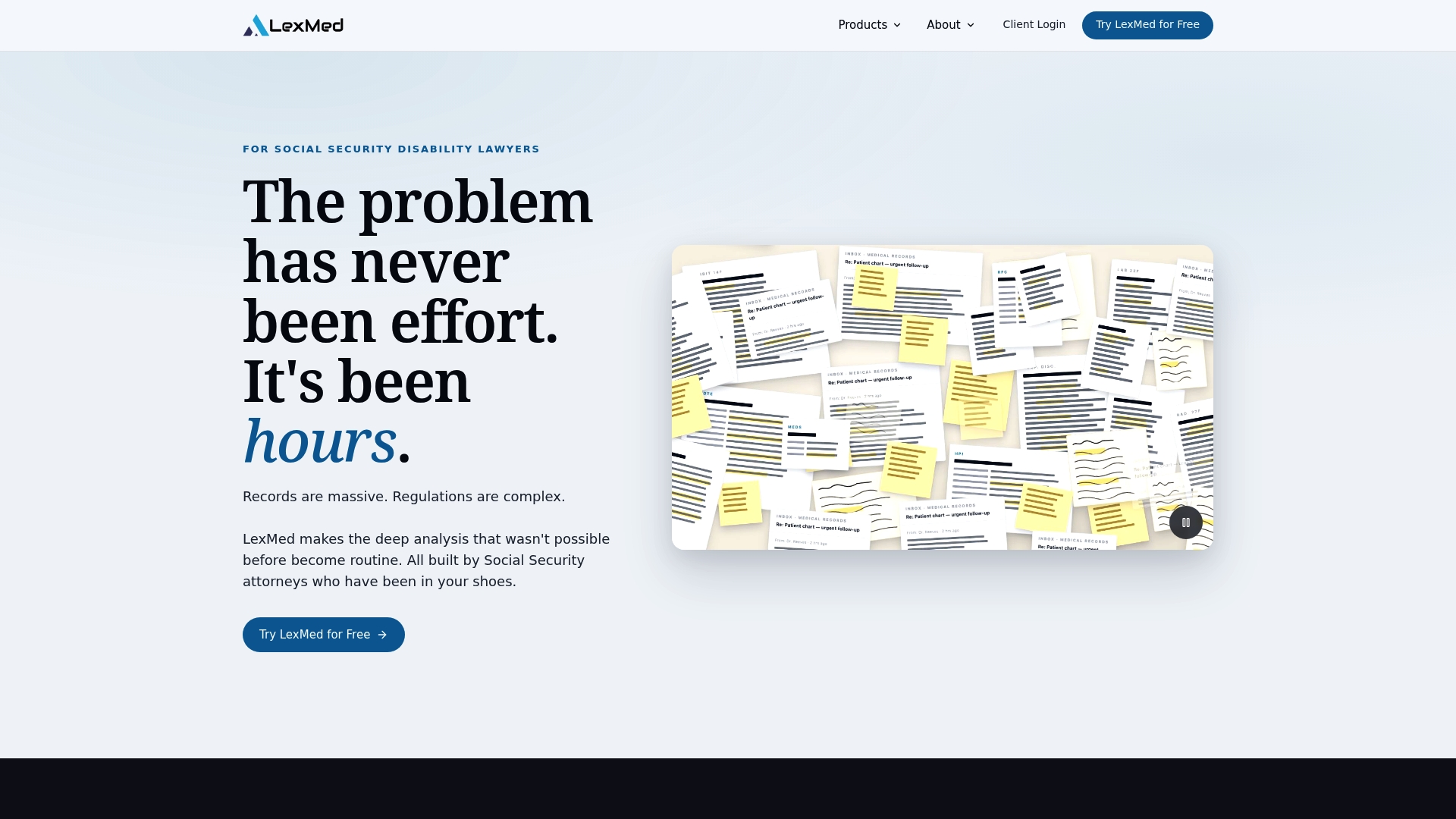
LexMed lets firms try workflows on actual cases before purchase. This test-on-real-cases feature helps confirm fit for SSD practices instead of relying on demos alone. The product appears among atticus.com alternatives for lawyers focused only on Social Security disability work.
Core Features
LexMed performs deep analysis of medical records and evidence and produces organized medical reviews automatically. It generates pre-hearing briefs in minutes and transcribes hearings with speaker tagging for clear witness identification. The platform also analyzes vocational expert testimony for DOT code conflicts and highlights reversible errors useful for appeals.
Key Differentiator
The vendor says the company is led by a lawyer with over 14 years of SSD practice. That background shapes preset workflows and templates specific to Social Security disability litigation. The focus narrows features toward claim analysis, hearings, and appeals rather than general civil practice tools.
Pros
Built by attorneys with SSD experience, LexMed matches field workflows and document expectations. It reduces hours of manual review by automating evidence summaries and citation checks, which speeds brief drafting and hearing prep. The platform advertises strong security with zero data retention and encryption, and it lets you test workflows on real cases before committing.
Cons
-
Reliance on AI requires attorney review for accuracy in complex medical or vocational issues.
-
Pricing varies by case volume and plan, so costs for larger firms need careful vetting.
-
Functionality is specific to SSD law, so the tool offers little value for non-SSD practice areas.
When It May Not Fit
LexMed is the wrong choice for firms that handle personal injury, family law, or other non-SSD work. Small firms that need broad practice management features may find the focus too narrow. Offices unwilling to review AI outputs before filing should avoid a tool that relies on automated analysis.
Who It's For
Solo Social Security disability attorneys and boutique SSD law firms that want to automate record review and brief drafting will get the most value. Firms with dedicated appellate workflows will appreciate the reversible error and DOT conflict checks. Practices that require cross-practice billing or non-SSD document templates will not benefit as much.
Real World Use Case
An SSD firm loads hundreds of pages of medical records into LexMed. The platform extracts findings, composes an organized medical review, and drafts a pre-hearing brief in hours rather than days. The team uses the DOT conflict report to challenge vocational testimony at hearing and to flag issues for appeal.
Pricing
Pricing depends on case volume, per-case options, and subscription plans. The vendor states there are no hidden sales calls and that detailed pricing appears on product pages. Prospective buyers should review plan tiers and expected per-case costs before purchasing.
Website: https://lexmed.ai
Dibcase
At a Glance
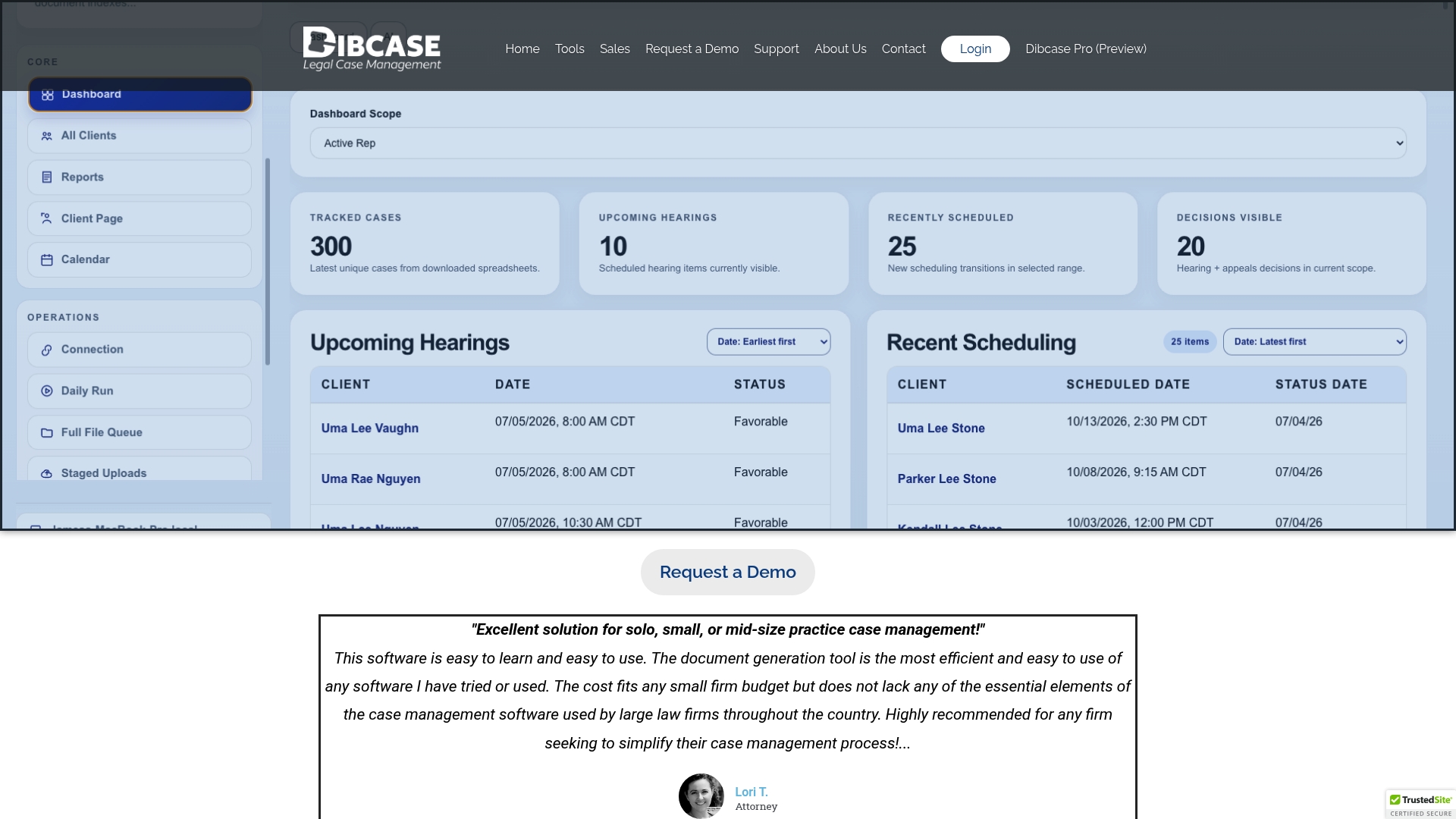
Automates SSA ERE downloads and maps them into case workflows for Social Security and VA claims. The product targets small to mid sized SSD law firms and solo practitioners. It combines case tracking, document merging, and client messaging in a single workspace.
Core Features
Dibcase offers a centralized case and client management dashboard that links case details, deadlines, and documents. It includes a spreadsheet driven case inventory and reporting view, plus an all clients workspace with search and filtering. The platform also provides document merging, email and SMS messaging, a built in client portal, and automated ERE workflow handling.
Key Differentiator
The product focuses specifically on Social Security and VA practice workflows and form needs. This focus shows in built in SSA forms merging, deadline tracking, and communications tailored to disability claims. The platform aims to replace generic case managers with tools aligned to typical SSD practice tasks.
Pros
Dibcase is simple to learn and use, with straightforward document generation that reduces manual form work. Its pricing is positioned for smaller practices and the plans are meant to scale as a firm grows. The system integrates with Dropbox and Google Drive to keep file management familiar, and the built in client portal plus automated ERE handling reduces back and forth with the agency.
Cons
- Third party reviews report limited customization options for some workflows. This can slow firms that require bespoke steps for intake or appeals.
- Buyers note potential limits in advanced automation compared with enterprise grade case systems. Automation beyond the included ERE and form merging may need external tooling.
- The product is not targeted at very large firms that need deep custom integrations or extensive custom development.
When It May Not Fit
Firms that need heavily customized intake, approval, or billing workflows will find the platform restrictive. Very large practices requiring bespoke API integrations or on prem modifications should look elsewhere. Teams that require enterprise level automation and custom development will need a different solution.
Notable Integrations
Dibcase connects to Dropbox and Google Drive for file storage and sync. Those integrations allow firms to continue using existing document folders while linking files to client records.
Who It's For
Small to mid sized Social Security disability law firms, solo SSD practitioners, and legal advocates handling SSA and VA claims. Practices that rely on form merging, deadline tracking, and a single client communication portal will get the most value. Firms that want a familiar file sync option will appreciate the Drive and Dropbox links.
Real World Use Case
A solo SSD lawyer manages new claims in the central dashboard and uses document merging to populate SSA forms. The lawyer receives ERE downloads automatically and stores them on the client profile. Client messages arrive through the portal, and the lawyer runs inventory reports to monitor deadlines.
Pricing
Dibcase advertises a free trial of 30 days and compares costs near $15 per client in marketing materials. Specific plan names, tiers, and up to date pricing must be requested from the vendor.
Website: https://dibcase.com
Comparison of alternatives
Solutions like SSDILawyer.co, Atticus, LexMed, and Dibcase offer varying approaches to support legal practices or individuals with Social Security Disability Insurance processes. By examining their unique strengths, potential users can identify the most suitable option for their requirements.
Primary strengths of each solution
- SSDILawyer.co provides quick and efficient eligibility screening through a user-friendly system that offers immediate stepwise instructions for further action.
- Atticus focuses on case management for disability and workers' compensation claims, using a contingency-fee model to reduce financial barriers for claimants.
- LexMed specializes in automating legal workflows and evidence analysis tailored for SSD appeals and hearings, saving significant time for Social Security disability practices.
- Dibcase facilitates case tracking with integrated deadline management and document workflows for small to mid-sized law practices managing Social Security and VA claims.
Comparative analysis
- SSDILawyer.co excels for users prioritizing immediate feedback on their disability eligibility, combining assessment with professional referrals.
- LexMed impresses law firms specializing in SSD representation with its advanced document management and analysis, particularly supporting firms handling high volumes of cases.
- Dibcase provides a cost-effective solution for small practices, emphasizing ease of use and integration with familiar tools like Google Drive without compromising basic workflow needs.
- Atticus stands out by offering free initial assessments and legal representation on a contingency basis, ensuring accessible advocacy for clients.
Best fit
- Efficient eligibility checks with clear next steps: SSDILawyer.co is ideal for users seeking a straightforward introduction to Social Security Disability Insurance processes.
- legal service at no initial cost: Atticus provides an accessible option for clients needing ongoing legal support for appeals or claims.
- Specialized workflow enhancement for disability firms: LexMed empowers SSD-focused attorneys by automating critical aspects of trial preparation.
- Affordable and practical solution for growing practices: Dibcase offers small-to-midsize firms an efficient system for managing case loads and deadlines effectively.
Our pick
If you need an intuitive platform for quick insights into SSDI qualification along with a connection to professionals for further assistance, SSDILawyer.co offers a unique value combination. However, LexMed may be the preferred choice for dedicated SSD attorneys requiring advanced automation, and Atticus appeals to individuals who wish to achieve legal representation without upfront costs.
Identify the service offering the most streamlined eligibility assessment and referral integration for SSD claims.
| Product Name | Core Feature | Key Differentiator | Best For | Pricing | Notable Limitation |
|---|---|---|---|---|---|
| Ssdilawyer | Online eligibility questionnaire | Quick assessment plus referral path | Individuals seeking a simple SSDI eligibility check | Price not published | Limited public information on service scope |
| Atticus | Free legal assessment | Contingency-based legal representation | U.S. clients pursuing disability or workers compensation claims | Free initial assessment | Limited to disability and workers compensation cases |
| LexMed | Automated medical record analysis | Built with SSD legal expertise | SSD-focused lawyers and firms | Price dependent on usage | Requires attorney review to ensure accuracy |
| Dibcase | SSA and VA claim workflows | Integrated client portal with ERE automation | Small to mid-sized legal practices | Approximately $15/client | Limited customization for workflows |
How to Choose Atticus.com Alternatives for SSDI Support
Applying for Social Security Disability Insurance (SSDI) or appealing a denial can feel confusing. People who want a simple digital screening and help connecting with disability specialists need a straightforward option. Ssdilawyer guides individuals through eligibility checks with clear results and refers users to experienced attorneys without extra steps. This approach suits those who want quick information and legal guidance in one place.
Experience Ssdilawyer offers an online assessment providing immediate eligibility feedback and referral to specialists. For people deciding on how to proceed with SSDI claims or appeals, this service reduces the wait between first screening and finding legal help. Check your qualification status and get clear next steps available on the website.
Visit SSDILawyer.co to complete your assessment and connect with disability attorneys who understand your legal needs.
FAQ
What features does Ssdilawyer provide for eligibility assessment?
Ssdilawyer generates immediate feedback on eligibility after completing an online questionnaire. The platform offers a guided process that evaluates medical and work history, providing clear yes or no answers on likely SSDI qualification. Users can start their evaluation quickly and easily, making it a convenient option for those unsure of their eligibility.
How does Ssdilawyer compare to Atticus.com?
Atticus.com offers a free initial legal assessment through an online quiz and pairs clients with lawyers on a contingency basis. Ssdilawyer, in contrast, focuses on immediate eligibility assessment and referral to specialists without requiring upfront commitments. This makes Ssdilawyer a more accessible starting point for those who want to quickly assess their SSDI eligibility without engaging fully in the legal process.
What is a key advantage of using Ssdilawyer over LexMed?
LexMed provides deep analysis of medical records and organized medical reviews tailored for SSD practices. Ssdilawyer, however, simplifies the initial eligibility check with its online questionnaire and immediate feedback mechanism. This direct approach is beneficial for individuals seeking a quick assessment without the need for extensive legal analysis upfront.
Can I trust the referrals from Ssdilawyer?
Ssdilawyer offers referrals to disability specialists based on the results of its eligibility assessment. However, the publically available information about the qualifications of these affiliated practitioners is limited. Potential clients should verify qualifications independently to ensure they receive the right support for their claims.
What type of audience is Ssdilawyer best suited for?
Ssdilawyer is ideal for individuals who need a private, online way to check their SSDI eligibility. This includes those with recent injuries, those considering an appeal, and individuals who prefer a guided digital intake process. Users can expect quick feedback and accessible referrals to specialists, streamlining their path to understanding eligibility.